
Use Android's file picker, cloud-backed providers or the document scanner.
ANDROID PDF WORKBENCH
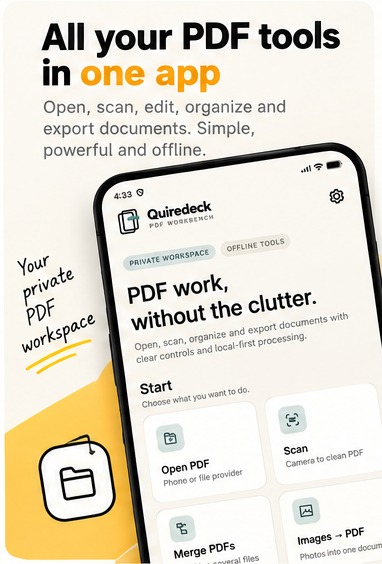
PDF work,
without the clutter.
Scan paper, repair page order, search real text or scans, audit a document, then save a clean copy. One focused Android workspace instead of a pile of one-off PDF utilities.
01No account
02Core tools work locally
03Original stays untouched
SCAN•MERGE•REORDER•OCR•EXPORT•SHARE•SCAN•MERGE
BUILT FOR CONFIDENCE
Open. Work. Verify. Save.
Every destructive-looking tool creates a new working copy. Long tasks show progress. Empty exports are rejected instead of pretending they succeeded.
Read, arrange and finish from one document-centered workspace.
Audit text coverage, page count, signatures and metadata before export.
Quiredeck verifies prepared output before handing it to your chosen destination.
APP SCREENSHOTS
Built around the document.
Not around menus.
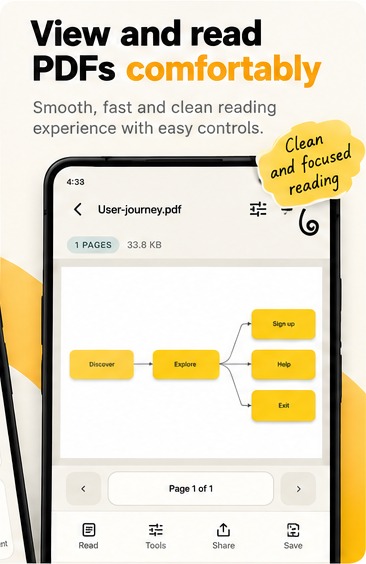
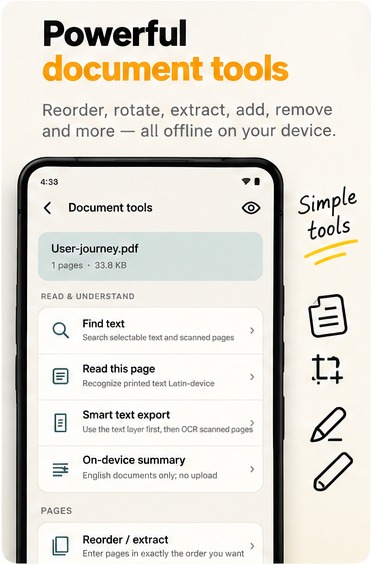
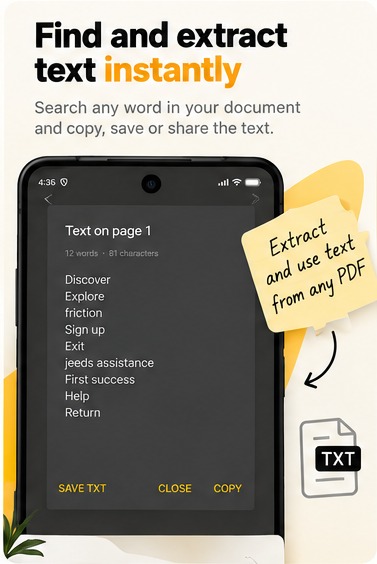
Quiredeck UI, framed for a clearer look at the reading, text, scanning and page tools you use most.
Ready to try Quiredeck?Open the Google Play listing for the Android app.
Get it on Google Play ↗
THE WORKBENCH
Tools grouped by the job.
Not by a feature dump.
The interface keeps the viewer calm and moves actions into three clear areas: read, arrange and finish.
01 / READ

Find words in real PDFs
and scanned pages.
Quiredeck checks selectable text first, then reads scanned pages on the device when needed. Copy the result or save it as a text file.
Find textPage OCRSmart TXT exportDocument audit
02 / SCAN
Paper in.
PDF out.
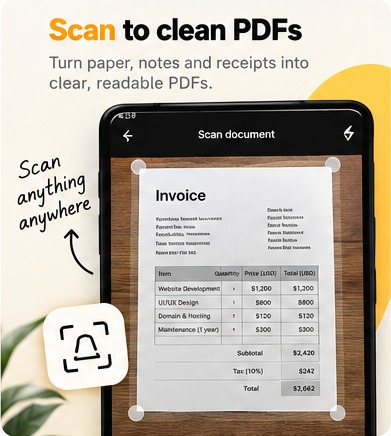
Capture multi-page documents, crop them, then continue straight into the viewer and tools.
03 / ARRANGE
Pages that behave.
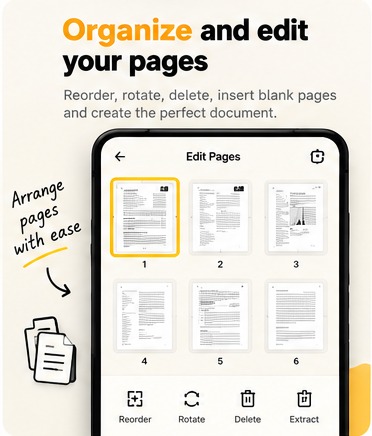
Extract, reorder, rotate, reverse, delete, split and find likely blank pages.
04 / FINISH
Make a clean copy.
Add page numbers or a watermark, remove common document metadata, turn pages into PNGs, then save or share.
ORIGINAL→NEW COPY
DOCUMENT READING
A viewer that gets
out of the way.
Pinch to zoom, double-tap to reset or zoom in, jump between pages, and keep the most useful actions in a compact dock.
- Bounded zoom and pan
- Page position remembered
- Clear progress and error feedback
- Save and share use Android's own file system
PRIVACY
Your document is not our product.
No account to create.
Open and work without signing in or making a profile.
No app-operated PDF cloud.
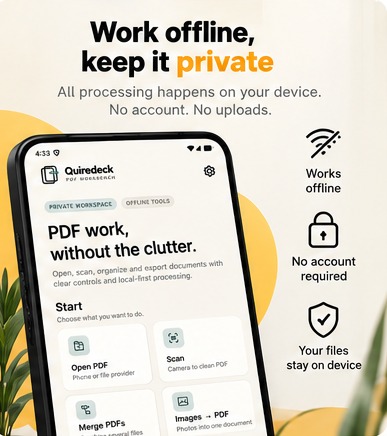
Core editing and text reading happen on your device. You choose where files are opened from and sent to.
Optional device summary.
On supported phones, English document summaries can run on-device. The required phone feature may need a first-time download.
One PDF app.
Fewer detours.
Quiredeck brings scanning, reading, OCR, page organization and clean export into one focused Android workspace, with core document work kept on your device.
ANDROID · PACKAGE dev.quiredeck.pdf